

Purplecal
From self-serve scheduling to online payments and calendar sync, PurpleCal handles the whole appointment, start to finish.
Scheduling & availability
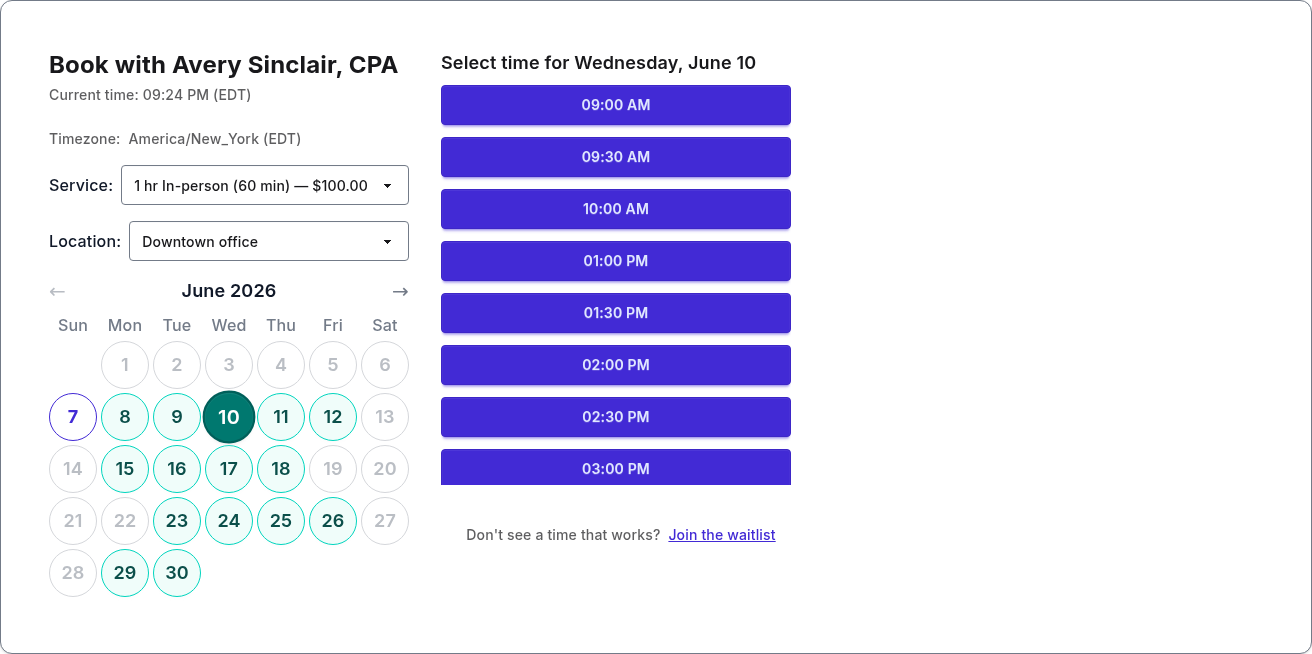
Share one link and clients book themselves from your live availability — no phone tag, no double-bookings. Slots show in each client's own time zone, and lead-time and booking-window rules keep your calendar shaped the way you want.
Payments & deposits
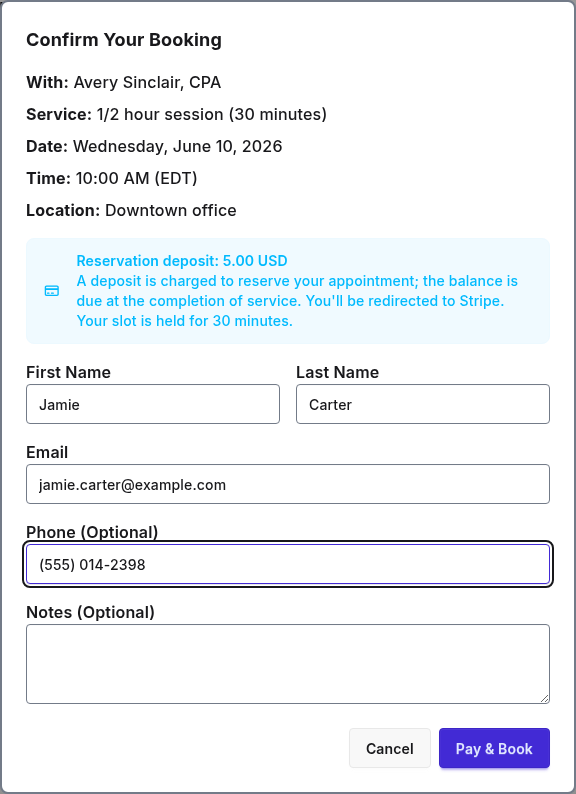
Collect a deposit or the full price at booking through your own Stripe account, so payment is done before anyone walks in. Refunds follow the policy you set once — automatically.
Recurring & repeat clients
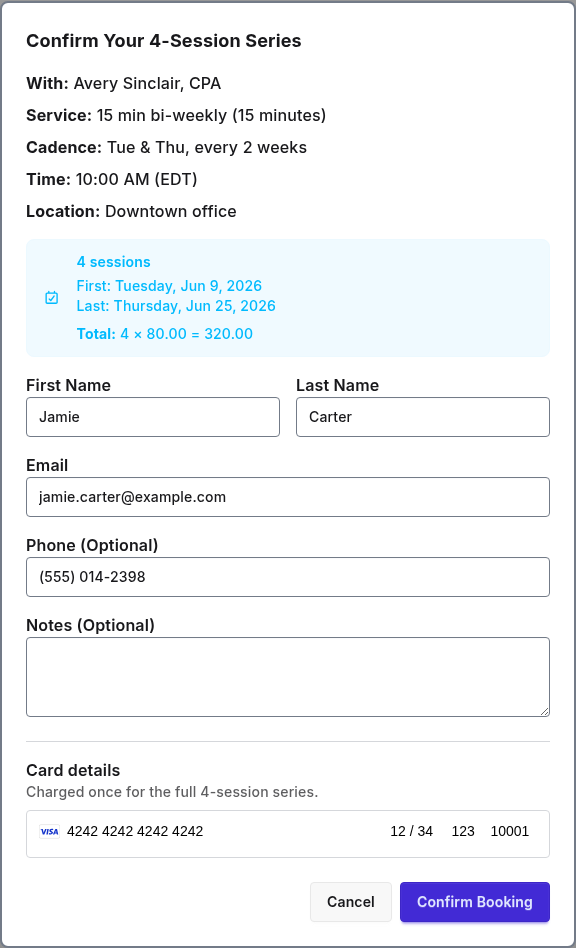
Offer weekly, biweekly, or every-four-week series and bill upfront or per session. When you're fully booked, clients join a waitlist and get notified the moment a matching slot frees up.
Calendar sync & integrations
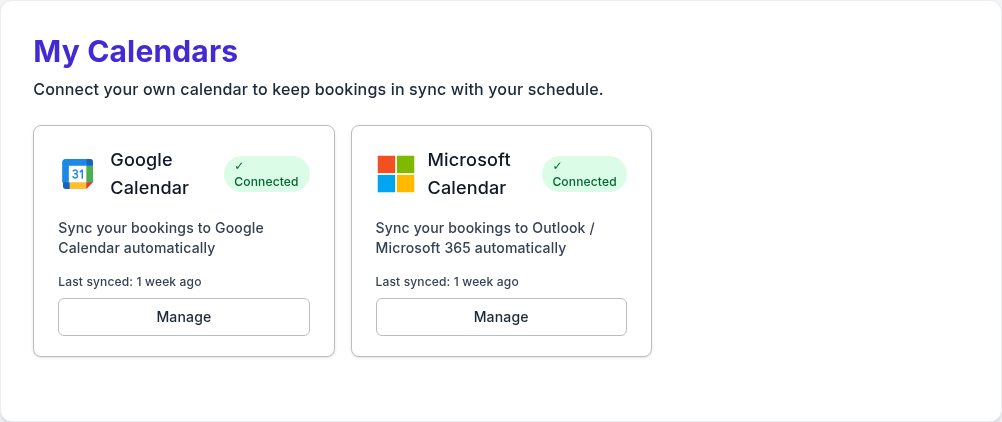
New bookings land on your Google or Microsoft 365 calendar automatically. Connect either one to block busy times from the calendars you select, and wire PurpleCal into your own tools with a REST API and real-time webhooks.
Client experience & team management
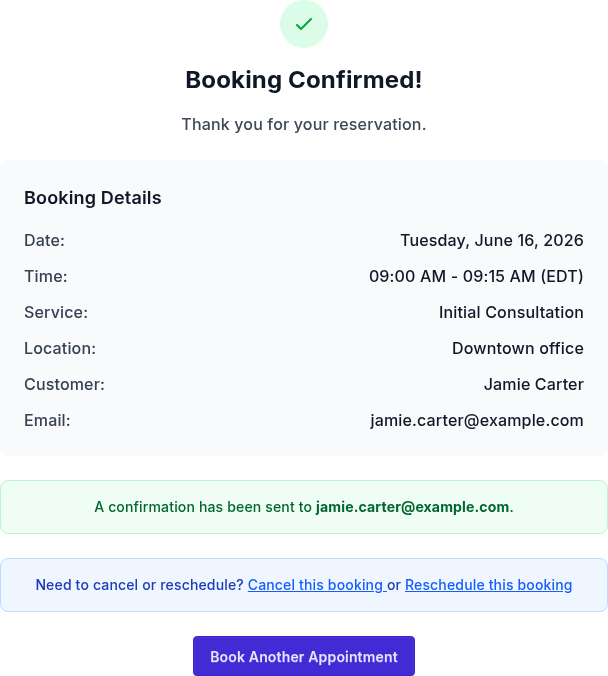
Clients get instant confirmation emails and reschedule or cancel from a secure link with no support request. Invite staff, set roles, and give every provider their own availability, services, and booking link.
Multiple locations
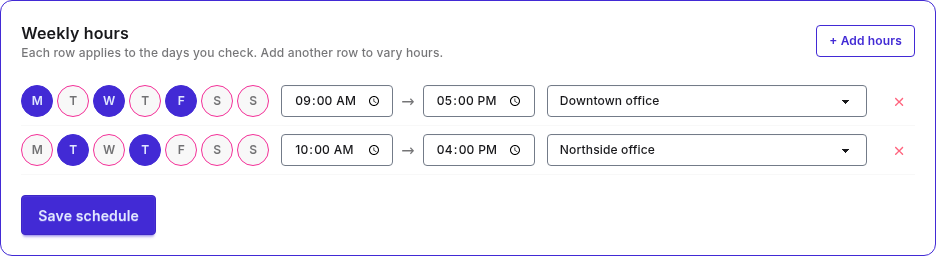
Set your weekly hours per location — mornings downtown, afternoons across town — and PurpleCal keeps each one bookable from a single calendar. Clients choose where they want to come and only see the slots you actually offer there.
Clients book themselves from a shareable link that shows live availability. No phone tag, no double-bookings.
Every team member sets their own weekly hours and locations. Clients are booked with the right person automatically.
Let clients book a service with any available team member, or choose a specific person they want to see.
Offer availability across more than one location and let clients pick where they want to come.
Slots display in each client's local time, so remote and cross-time-zone bookings just work.
Set a minimum lead time and how far ahead clients can book to shape your calendar the way you want.
Collect a deposit at booking time to cut no-shows. Refund it or apply it to the visit, your call.
Charge the full price upfront for paid sessions and services so payment is done before the appointment.
Connect your own Stripe account and get paid directly. PurpleCal never holds your money.
Each provider on a team can connect their own Stripe and be paid directly for their own bookings — or route everything to one team account.
Define your refund windows once. Cancellations are refunded automatically according to your rules.
Offer weekly, biweekly, or every-four-week series and bill upfront or per session.
When you're fully booked, clients join a waitlist and get notified the moment a matching slot opens.
Add new bookings to Google Calendar and use busy events from selected calendars to prevent double-booking.
Add new bookings to Outlook and use busy events from selected calendars to prevent double-booking.
Connect PurpleCal to your own tools with a REST API and real-time webhooks that fire on every booking event.
Clients and providers get an instant confirmation with every booking detail they need.
Clients reschedule or cancel from a secure link in their email, with no support request needed.
Add intake instructions, parking notes, or anything else to your confirmation emails.
Block days off for the whole team or individual members, with a built-in holiday picker.
Claim a clean, branded booking URL for your team and for each provider.
Build your service menu once. Each provider can offer their own subset at their own price.
Invite staff by email, assign admin or member roles, and give everyone their own availability.